
LUCENT Partner Demo

Fictional scenario · Sample data · No real transaction or external messages

See what a clearer real estate operation feels like.

One listing, three perspectives. Try the sample screens, then follow a home from closing to handoff.
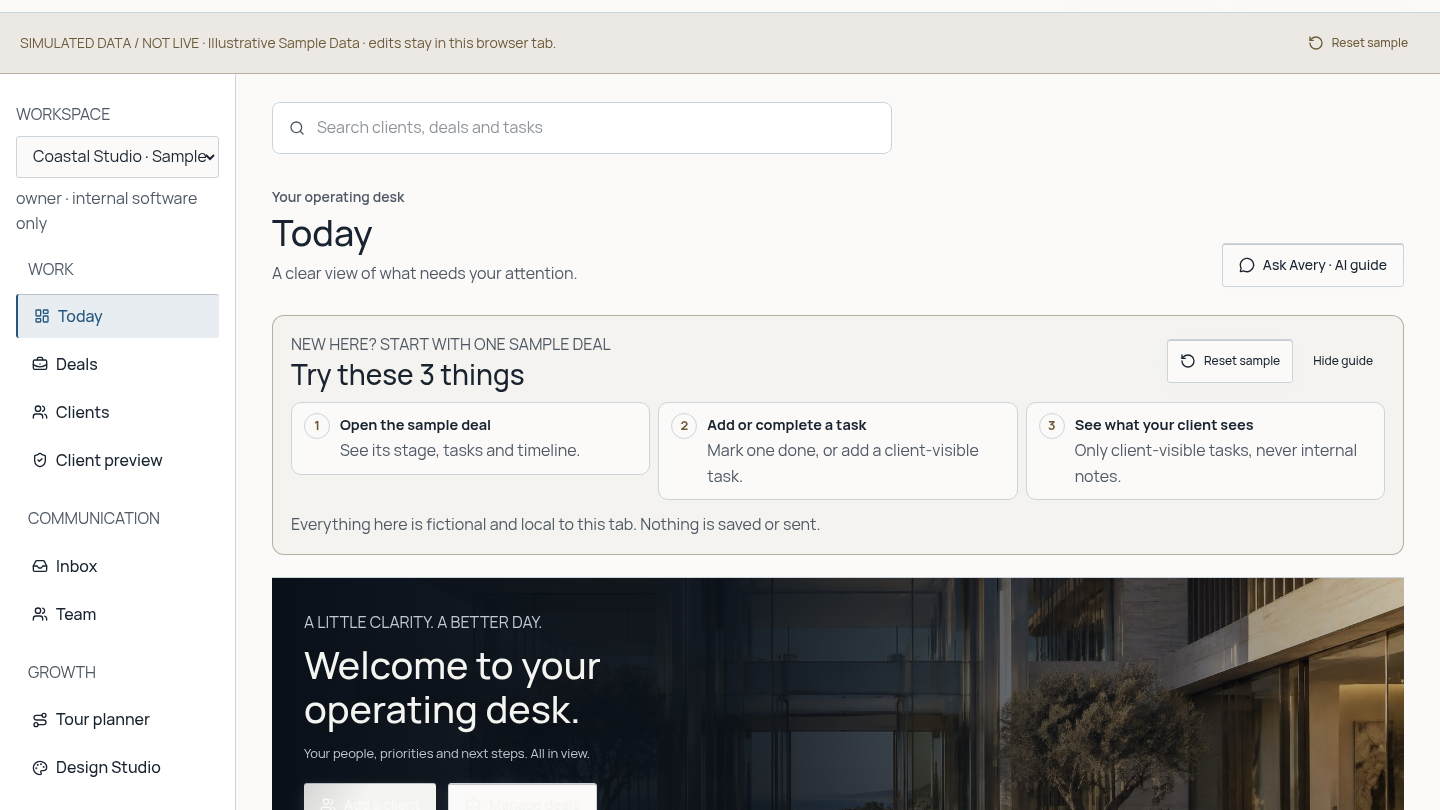
  • Broker sample screen in the LUCENT preview
    Illustrative Sample Data · editor preview

    Broker

    One operating desk for your team. One beautiful source of truth for clients.

    Try it Sample operating desk
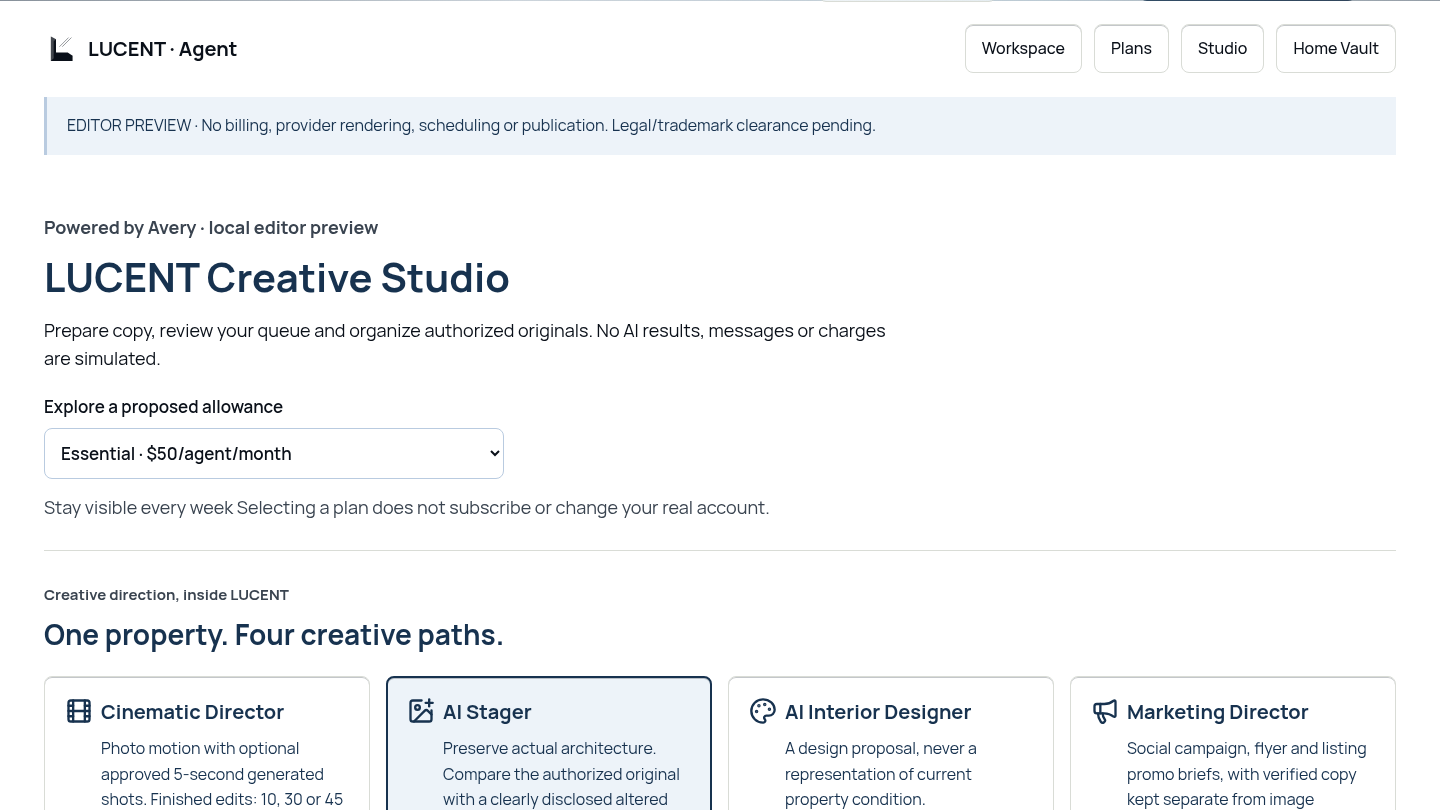
  • Agent sample screen in the LUCENT preview
    Illustrative Sample Data · editor preview

    Agent

    Less chasing updates, more time for clients.

    Try it Creative Studio concept
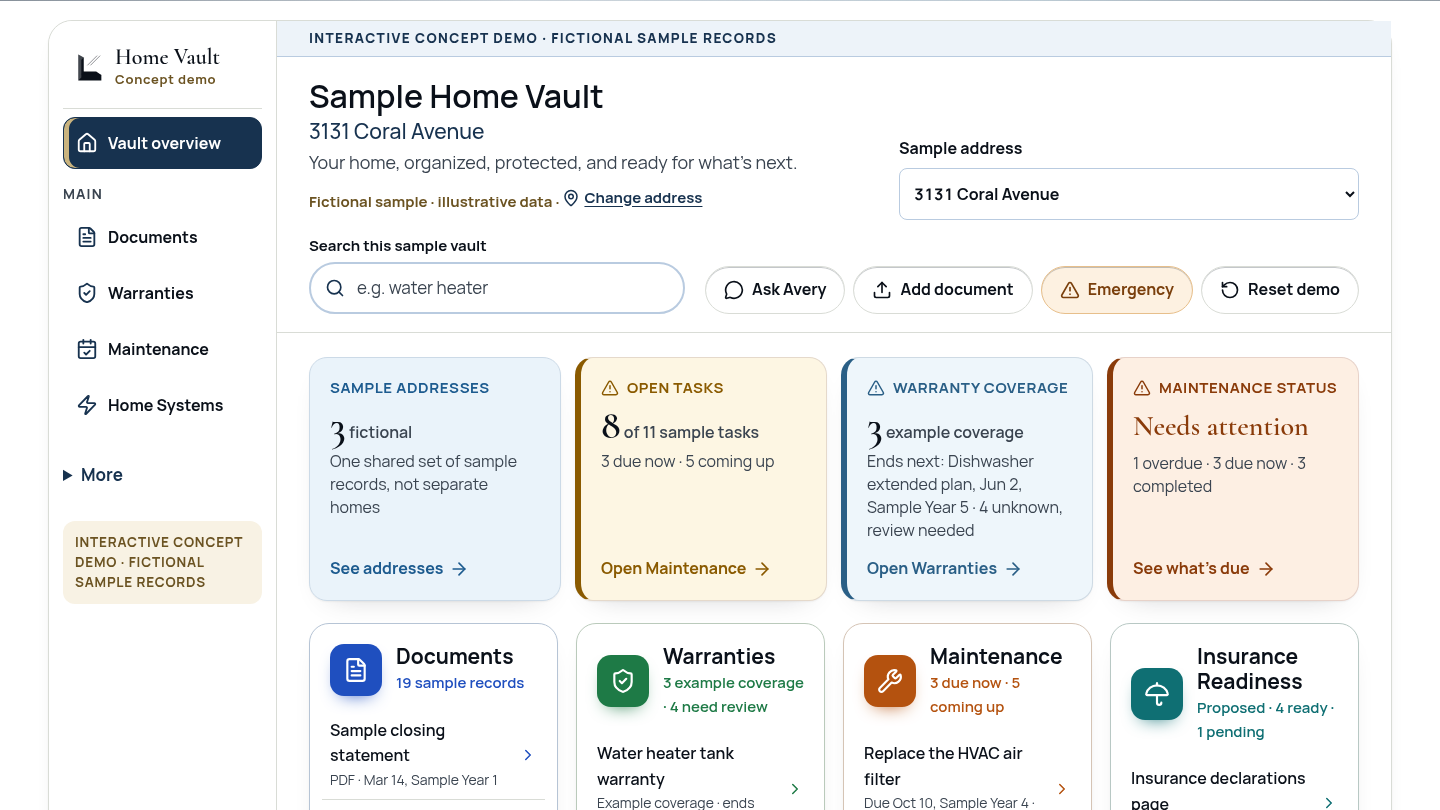
  • Homeowner sample screen in the LUCENT preview
    Illustrative Sample Data · editor preview

    Homeowner

    Every step explained, every important decision visible.

    Try it Home Vault sample

Interactive scenario · Fictional listing · not a real home

48 Juniper Lane

4 bed · 3 bath · illustrative coastal home · one listing, three perspectives, one shared truth.

Listing agent (fictional) · “Less chasing updates, more time for clients.”

Photo package in production

  1. Preparation
  2. Photos & media
  3. Homeowner review
  4. Launch check

Listing photo package

In production
  • Exterior · 6
  • Living · 5
  • Kitchen · 4
  • Bedrooms · 6
  • Garden · 3
  • No real images · fictional package

File requests from your broker

Team only

In this demo you act for every agent in the office. Record names only; nothing is uploaded.

  • Inspection responseNot yet submitted

    Coral Way · Buyer-side agent

Share a next step with the homeowner

Attributed activity

  1. Listing agentListing prepared and photographer scheduled

After the closing

One home, start to finish.

Follow the same fictional home's records through four simple chapters.

  1. 1Closing documents

    Keep the purchase records.

  2. 2Move-in orientation

    Know your home's essentials.

  3. 3Maintenance

    See what needs attention.

  4. 4Selective handoff

    Choose what the buyer receives.

Home lifecycle · Fictional home · Sample records · Nothing is uploaded, sent or transferred

3131 Coral Avenue

Costa Mesa, CA 92626 · Fictional sample property · the same sample records as the Home Vault demo.

0 of 4 chapters complete

Chapter 1 · Buy

Closing documents collected

Escrow closes. Instead of scattered emails, the buyer files the closing paperwork into one private Home Vault.

What this shows: The paperwork from the purchase stays findable years later.

0 of 6 purchase documents filed in the vault

  • Purchase agreement (sample)

    Feb 2, Sample Year 1 · 18 pages · Signed by both sides (example)

  • Buyer's home inspection (sample)

    Feb 9, Sample Year 1 · 42 pages · Home inspector (example)

  • Seller disclosure package (sample)

    Feb 20, Sample Year 1 · 14 pages · Prior owner (example)

  • Sample closing statement

    Mar 14, Sample Year 1 · 4 pages · Escrow company (example), uploaded by the owner

  • Owner's title policy (sample)

    Mar 14, Sample Year 1 · 9 pages · Title company (example)

  • Recorded grant deed (sample)

    Mar 21, Sample Year 1 · 2 pages · County recorder copy (example)

Record names only. Download and upload are not available in concept demo; no real file exists.

More than slides

Open the real sample screens.

No sign-in. Every one runs on fictional sample data, and edits stay in your browser.

  • Sample seller dashboard

    Switch tabs, compare an asking price with a reviewed range, rank offers by take-home and run a net scenario with your own numbers.

    Try it
  • LUCENT OS sample desk

    Open a deal, add and complete tasks, change a stage, write an internal note and preview what the client sees. Resets anytime.

    Try it
  • Sample KISS Report

    Switch seller and buyer interpretation, open evidence behind a finding and export the sample PDF.

    Try it
  • Cost comparison

    Enter a sale price and fee assumptions to compare costs. No LUCENT fee is approved or quoted.

    Try it
  • Home Vault concept demo

    Ask where the water shutoff is, check a warranty, find a closing statement and choose what a buyer receives. Fictional sample home.

    Try it

Real workspaces at /agent and /broker require an invited account and are separate from these samples.

What works today, and what a partner would set up.

Working in interactive preview

  • This cross-role listing scenario (local illustration in your browser)
  • Broker office desk: review, return and sign off fictional files across three deals
  • Home lifecycle story on one fictional home: closing documents, move-in orientation, maintenance and selective handoff
  • Sample operating desk: clients, deals, tasks, stages, internal notes and client preview
  • Sample seller dashboard: price vs. reviewed range, offers, take-home scenarios, timeline and Home Vault search
  • Sample KISS Report with seller/buyer interpretation and PDF export
  • Cost comparison using your own numbers
  • Home Vault concept demo: emergency guide, documents, warranties, history and buyer handoff on a fictional home
  • Signed-in pilots: private OS workspace with invited client portal, shared tasks and documents

Needs partner setup or licensed integrations

  • MLS and listing-portal data feeds
  • Connected agent-to-homeowner approvals across real accounts
  • Brokerage onboarding, license verification and supervision policies
  • E-signature, transaction-management and CRM integrations
  • Email, text and marketing delivery
  • Partnership terms and software pricing (pending)
A 5-minute walkthrough for your meeting
  1. 0:00The promise Read the three role promises at the top of this page.
  2. 0:30Agent works As the agent, mark the Juniper Lane photo package delivered.
  3. 1:15Broker supervises Switch to Broker: see who owns each item and add a launch checkpoint.
  4. 2:00Owner decides Switch to Homeowner: ask a question, then approve the photos.
  5. 2:45Broker signs off As the broker, review the Juniper Lane files on the office desk, return the Harbor View copy, then complete the launch check.
  6. 3:30The home's whole life In the home lifecycle story, file the closing documents, review the shutoffs, finish a task and preview the buyer handoff.
  7. 4:30Inspect the real samples Open the OS sample desk and the seller dashboard below.

A conversation request only; nothing is scheduled or sent automatically. LUCENT is a preview prototype. It is not an operating brokerage, and no pricing, partnership terms or exclusivity are offered.